



Step inside your screen
Any PC game, movie, or app, on your Meta Quest
Get it on Meta QuestPair it with the desktop app. It brings your PC into your headset
Any PC game, movie, or app, on your Meta Quest
Get it on Meta QuestPair it with the desktop app. It brings your PC into your headset
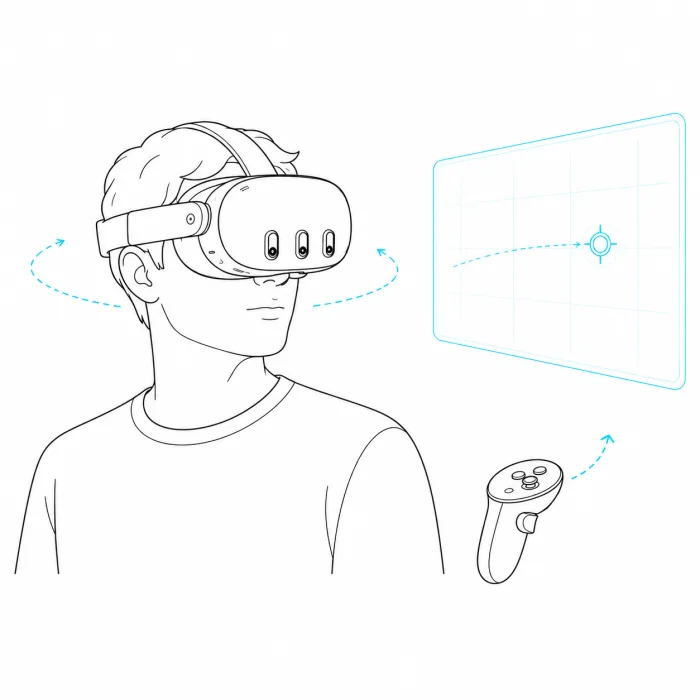
Turn your head to look where you want. A game is now somewhere you are, not something you watch
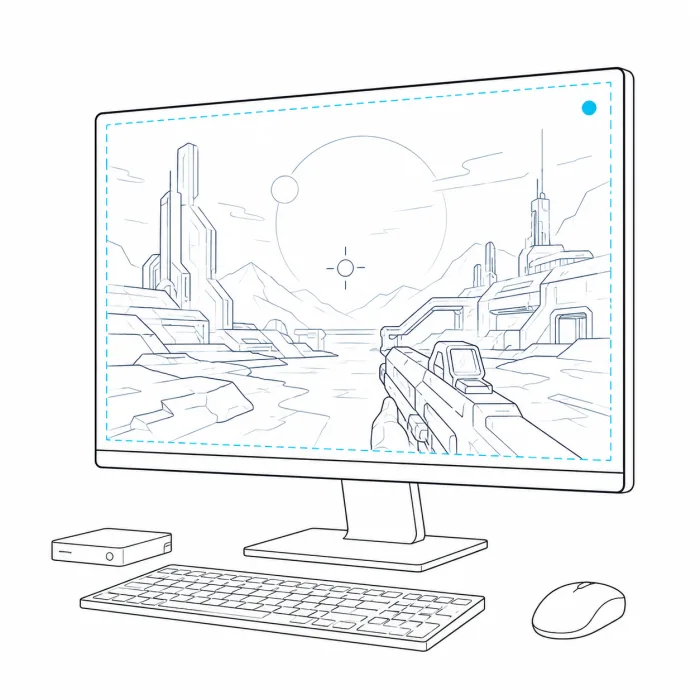
Flat games and movies stop looking flat. The foreground comes closer, the background falls back, so the scene gains depth
The picture's light spills beyond the screen and fills your view, so the edges melt into your world
Meta Quest 2
Quest 3
Quest 3S
Quest Pro
Windows 10 / 11
macOS (coming soon)
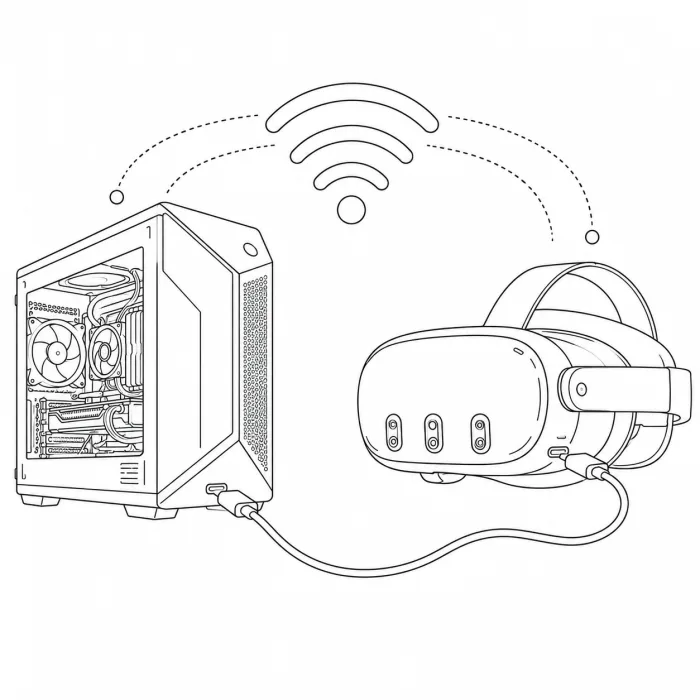
Wi-Fi
USB-C (lowest latency)
The short answer is no. Your games still run exactly as they do on PC, and you won't get the full six degrees of freedom of a true VR title. But it doesn't feel like watching a screen either: you steer the camera with your head, real-time AI Depth 3D lifts the flat image into three dimensions, and there are no sharp edges in your peripheral vision. For games never made for VR, it gets remarkably close to being there
Both just mirror your PC to a flat screen, and the game doesn't know you're in a headset. With InMotion it responds: you steer the camera with your head, the picture gains AI Depth 3D, and its edges melt into its own light. You feel like you're inside the game, not in front of a monitor
Experience your PC games like never before
Get it on Meta QuestPair it with the desktop app. It brings your PC into your headset